

Open the “Projects” section
In the dashboard side menu, choose “Projects”. Quizzes that don't belong to a project yet are on the “Quizzes without a project” card. Each project card shows how many quizzes it has and how many leads it has received.
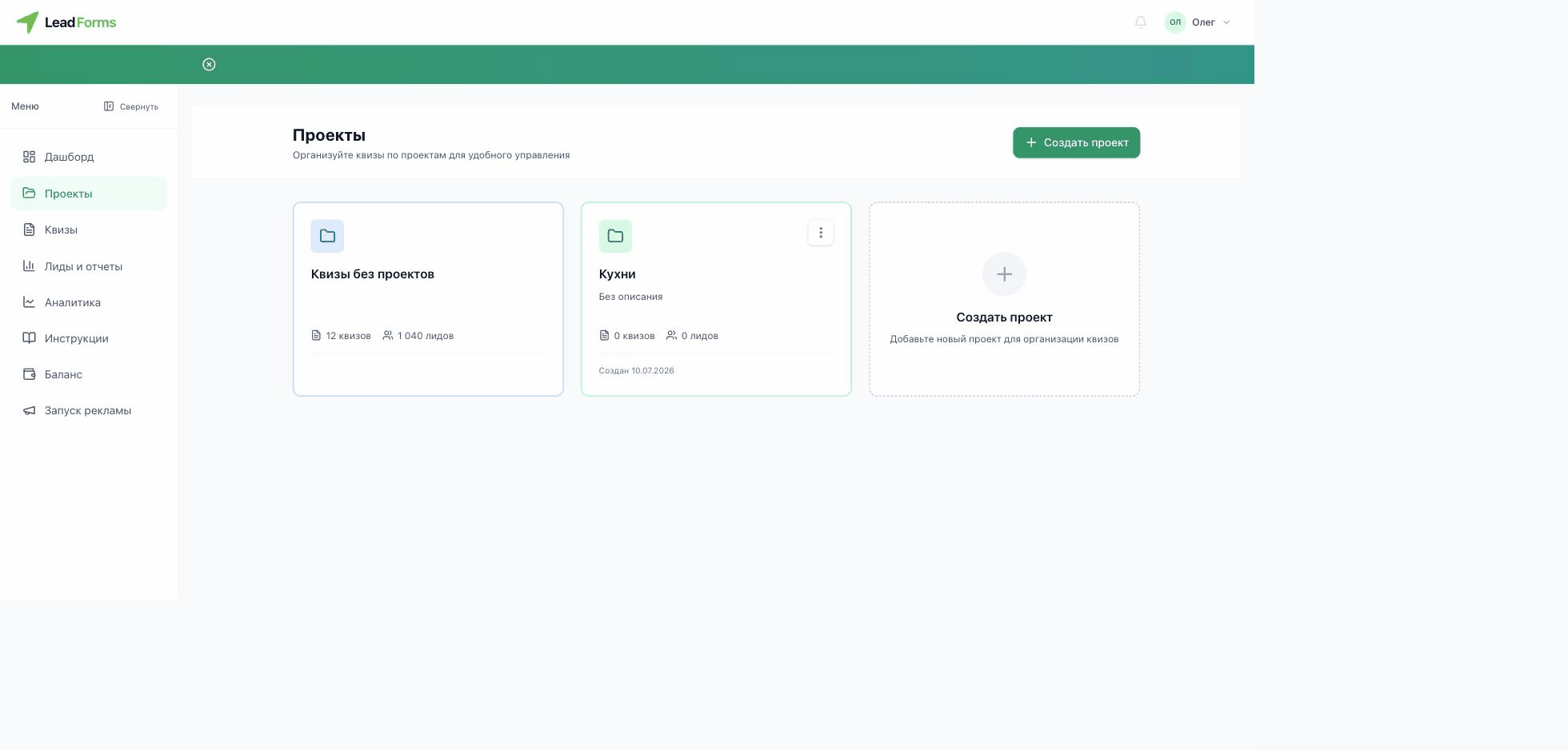
Create a project
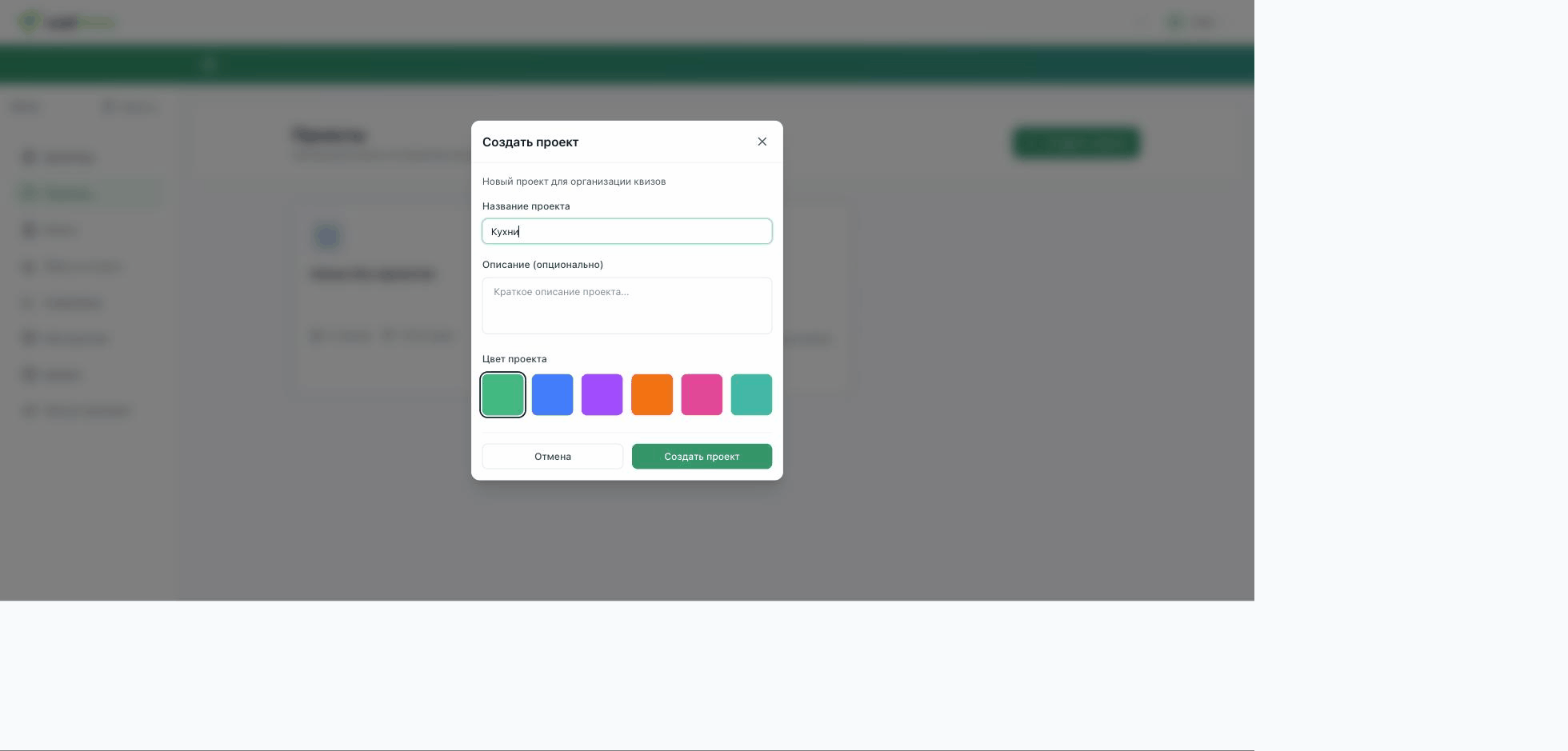
Click “Create project”, enter a name (required), add a short description if you like and pick one of six colors to tell the card apart. Then click “Create project”.
Add quizzes to the project
Open the project and create a quiz inside it with the “Create quiz” button: the quiz belongs to the project from the start.
