

Add a question of the “Screen” type
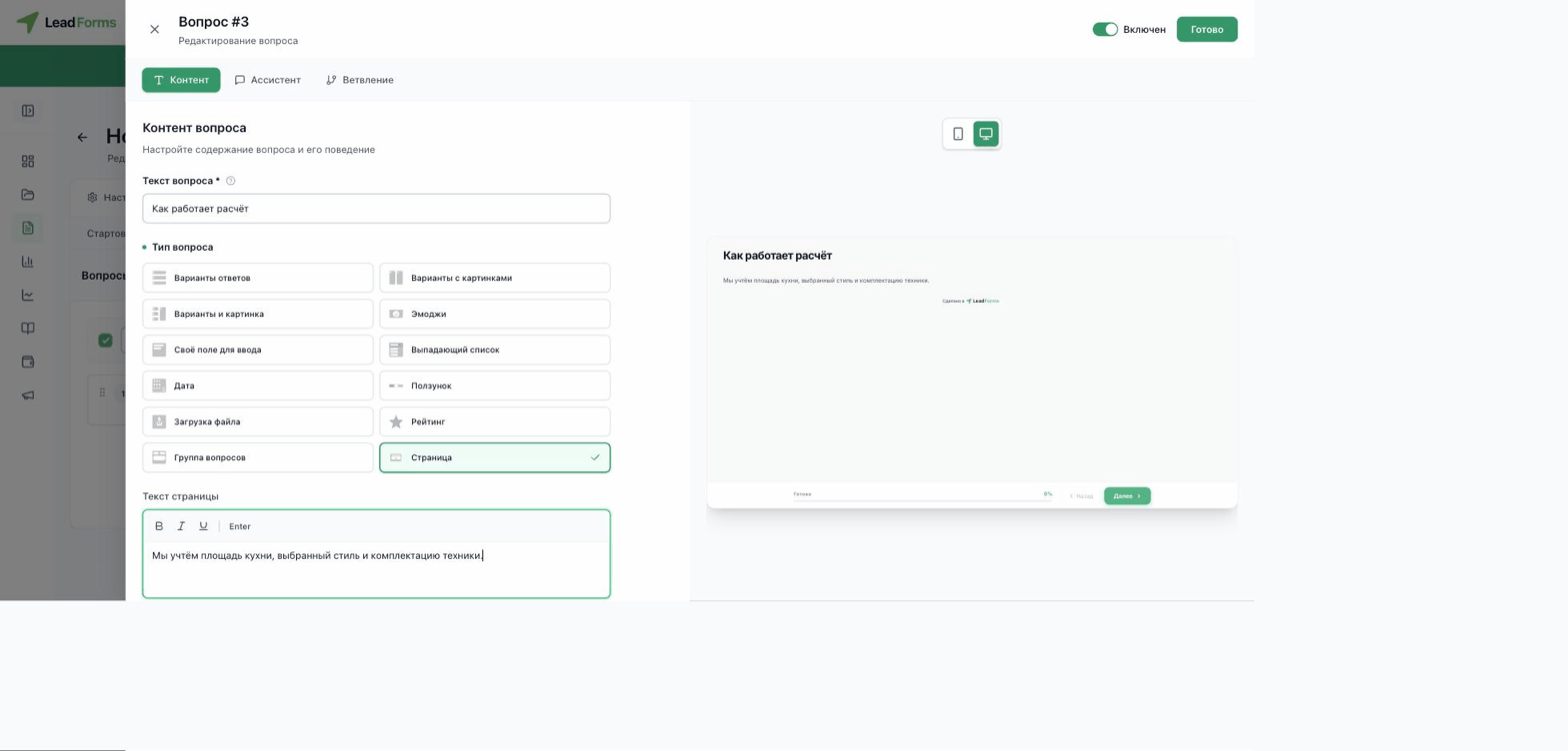
Open the quiz and go to the “Editor” tab → “Questions” step → add a new question or open an existing one. In the “Question type” block, among the available options (answer options, image options, custom field and others), choose “Screen”.
Instead of the option settings, you get a single field, “Screen text”, with basic formatting: bold, italic and underline. On this step the person does not choose anything, they just click “Next”.
When it helps
It works well between questions: to explain what you will use the next answer for, to thank people for their patience in a long quiz, or to announce that the result is being calculated.
